Follow the steps below to create your BitTap account:
Step 1:
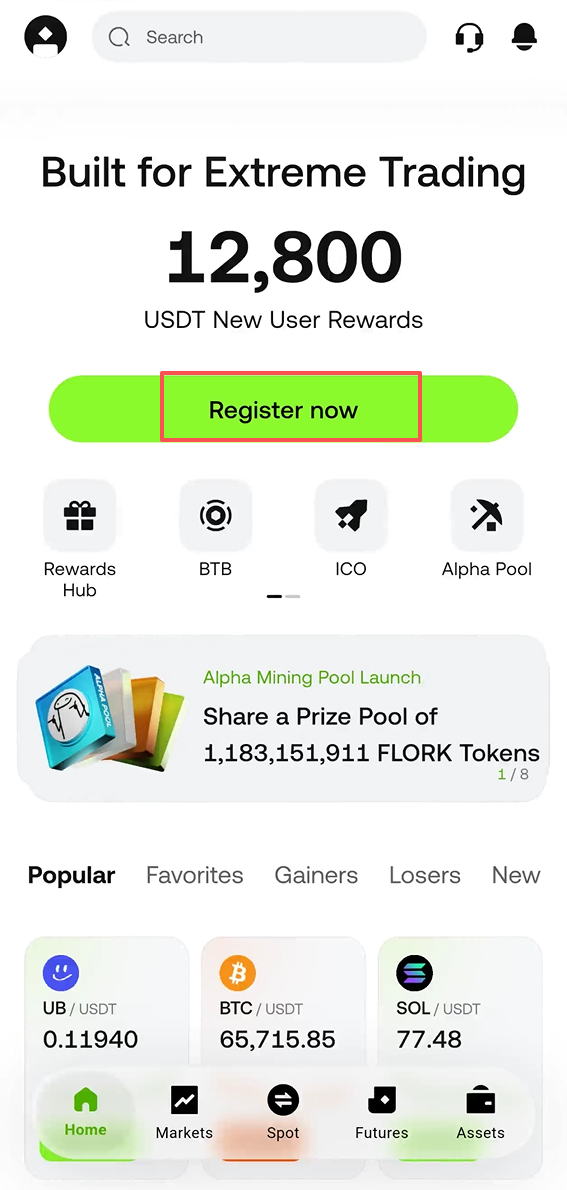
Open the BitTap APP and tap [Sign Up/Login].
Step 2:
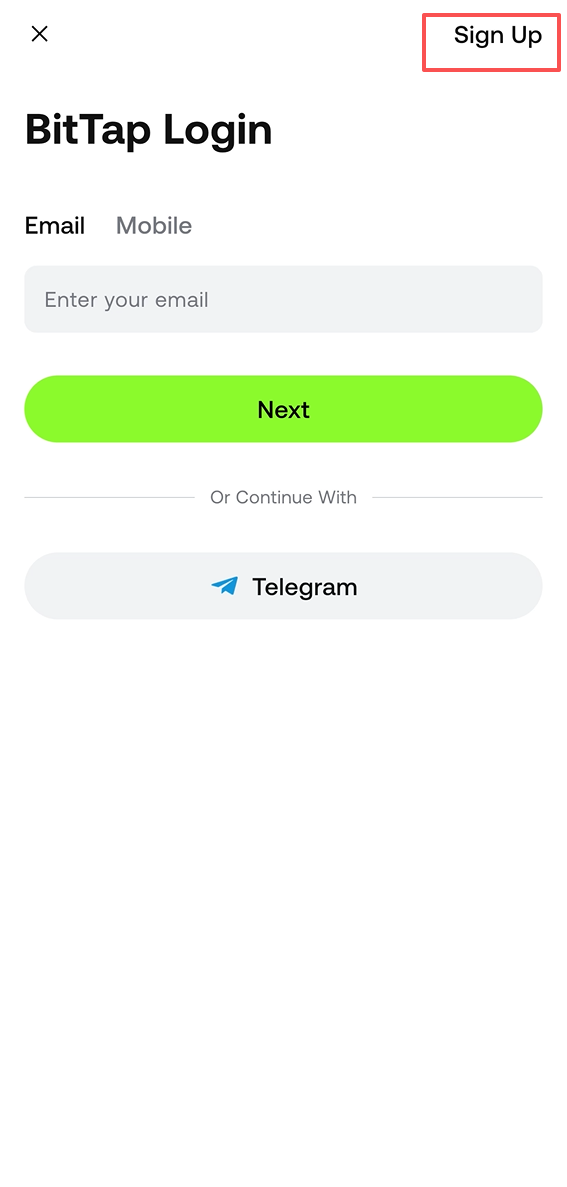
Switch to the [Sign Up] page.
Step 3:
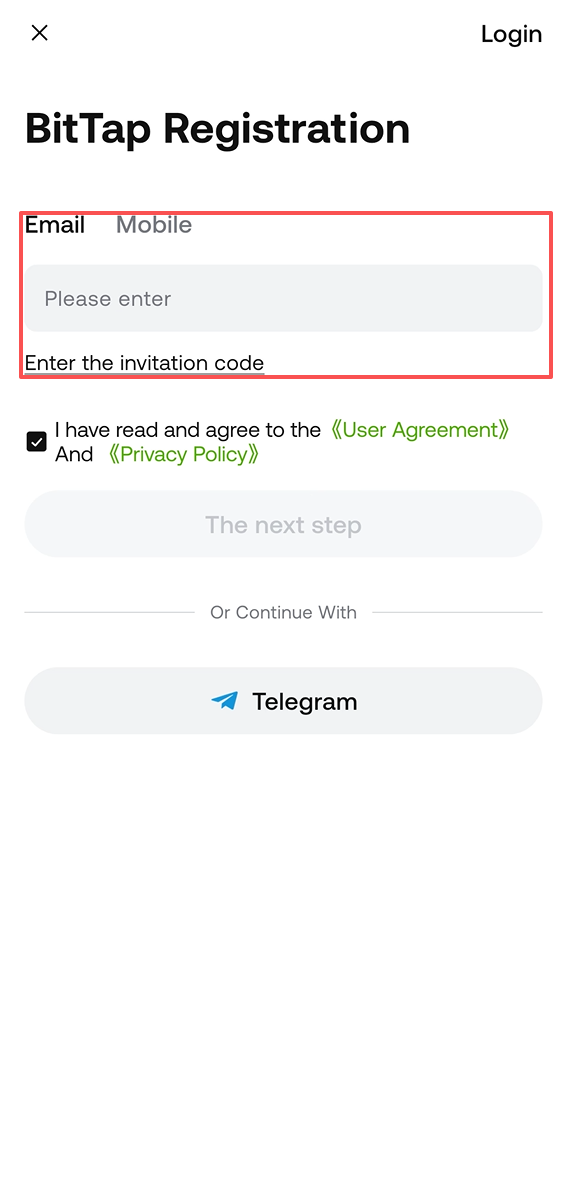
Choose your registration method. You can sign up using email, phone number, or third-party accounts such as Apple, Telegram, or Google.
Step 4:
If registering with an email or phone number:
- Switch between email or phone number options.
- Set a login password that must be at least 8 characters long, including 1 uppercase letter, 1 number, and 1 special character.
If you registered via an invitation link, the invitation code will be automatically filled in, showing a green checkmark and "Bound" status.
- If the invitation code is invalid, you can edit or enter another code.
- If you don’t have an invitation code, you can skip this step.
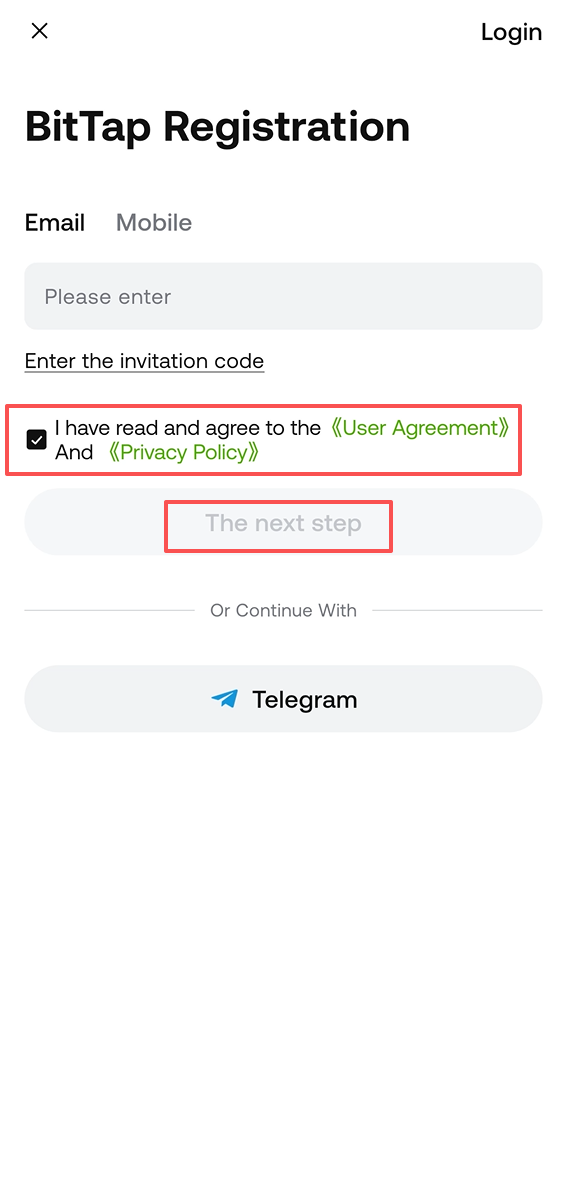
Carefully read and agree to the Terms of Service and Privacy Policy. Check the confirmation box, then tap [Sign Up].
Step 5:
Enter the 6-digit verification code sent via email or SMS within 10 minutes.
![]()
Step 6:
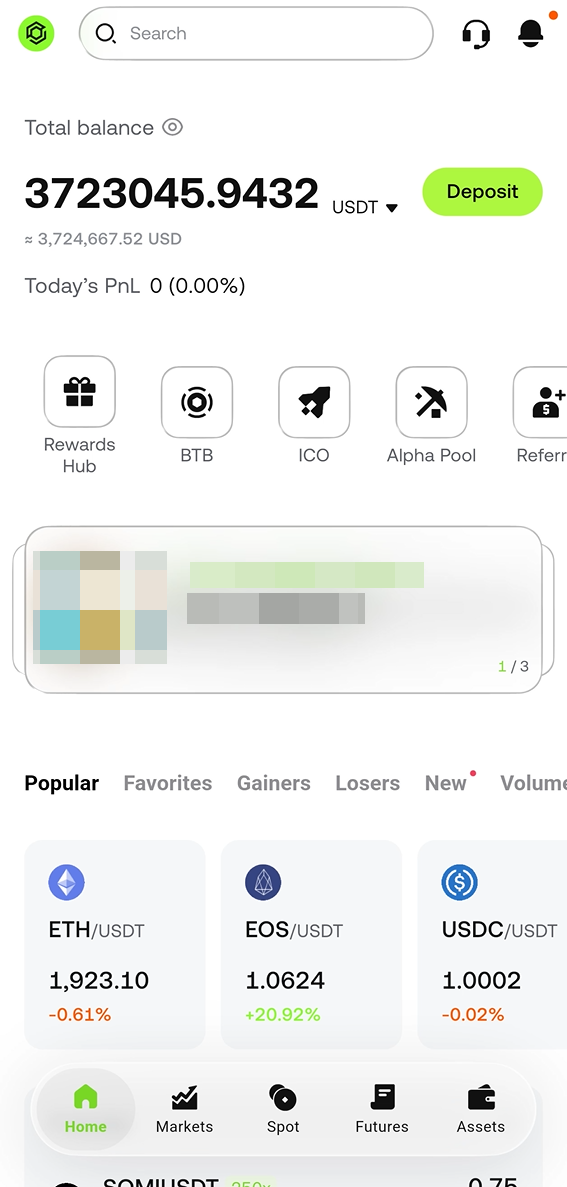
Congratulations! Your BitTap account has been successfully created!
Notes:
- Once an invitation code is bound to your account, it cannot be changed.
- To protect your account security, it is highly recommended to enable at least one two-factor authentication (2FA) method.
